Individual
Individual
Pay easily with Apple Pay — use your SeABank Card across all your favorite Apple devices, in stores, online, or in apps.
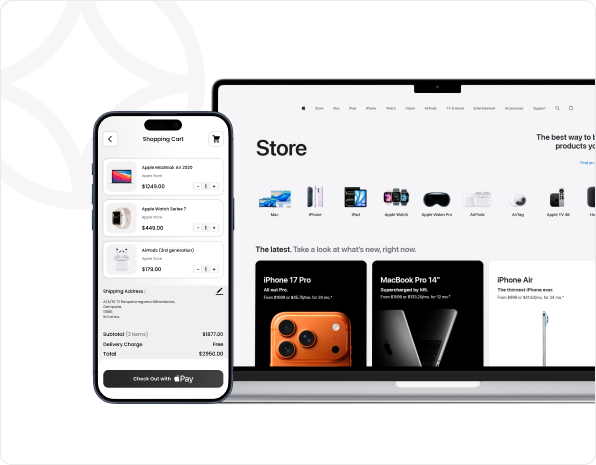
- Apple Pay is accepted by millions of merchants worldwide — in-store, online, and in apps.
- Pay with just a touch or a glance — no need to enter your card number or security code.
- Save time on every online purchase.
- Apple Pay is built into iPhone, Apple Watch, Mac, and iPad.
- Set up your SeABank Card in just a few steps to make secure purchases anywhere — online, in apps, or in stores.
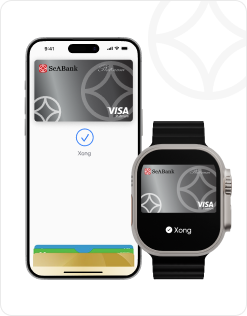
- Apple Pay uses the built-in security and privacy features of Apple devices.
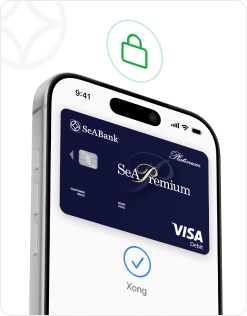
- Every transaction requires authentication via Face ID, Touch ID, or your passcode — so only you can authorize payments with your SeABank Card.
1. Add via SeAMobile App
- Step 1: Log in to the SeAMobile app.
- Step 2: Select the Apple Pay icon.
- Step 3: Choose the card you wish to link, tap “Add to Apple Wallet”, and follow the on-screen instructions to complete setup.
2. Add via Apple Wallet
- Step 1: Open Apple Wallet on your iPhone.
- Step 2: Tap the “+” icon. Under “From Apps on Your iPhone”, select SeAMobile.
- Step 3: Log in to the SeAMobile app.
- Step 4: Choose your card and follow the instructions to finish setup.
3. Add Manually
- Step 1: Open Apple Wallet on your iPhone.
- Step 2: Tap the “+” icon and select Debit or Credit Card.
- Step 3: Follow the on-screen instructions in Apple Wallet to complete setup.

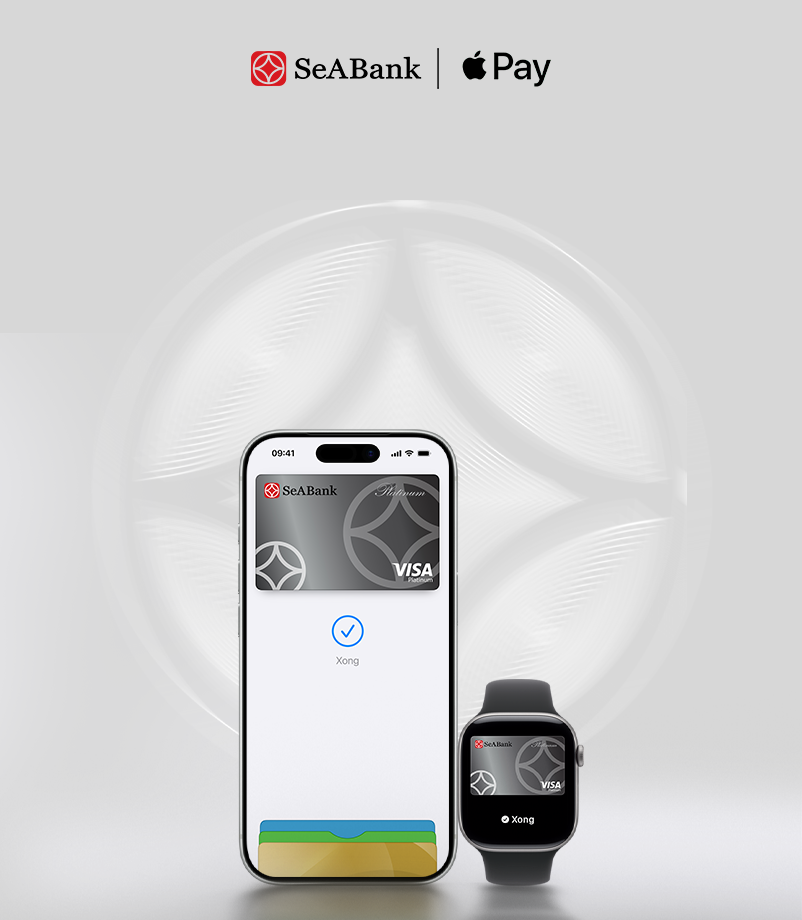
Use your SeABank Card to pay easily with Apple Pay – enjoy seamless payments on all your favorite Apple devices, in stores and online.