Apple Pay
SeABank business cards are now available on Apple Pay. This supports businesses with faster, more secure payments and more effective expense control.
Detail Information
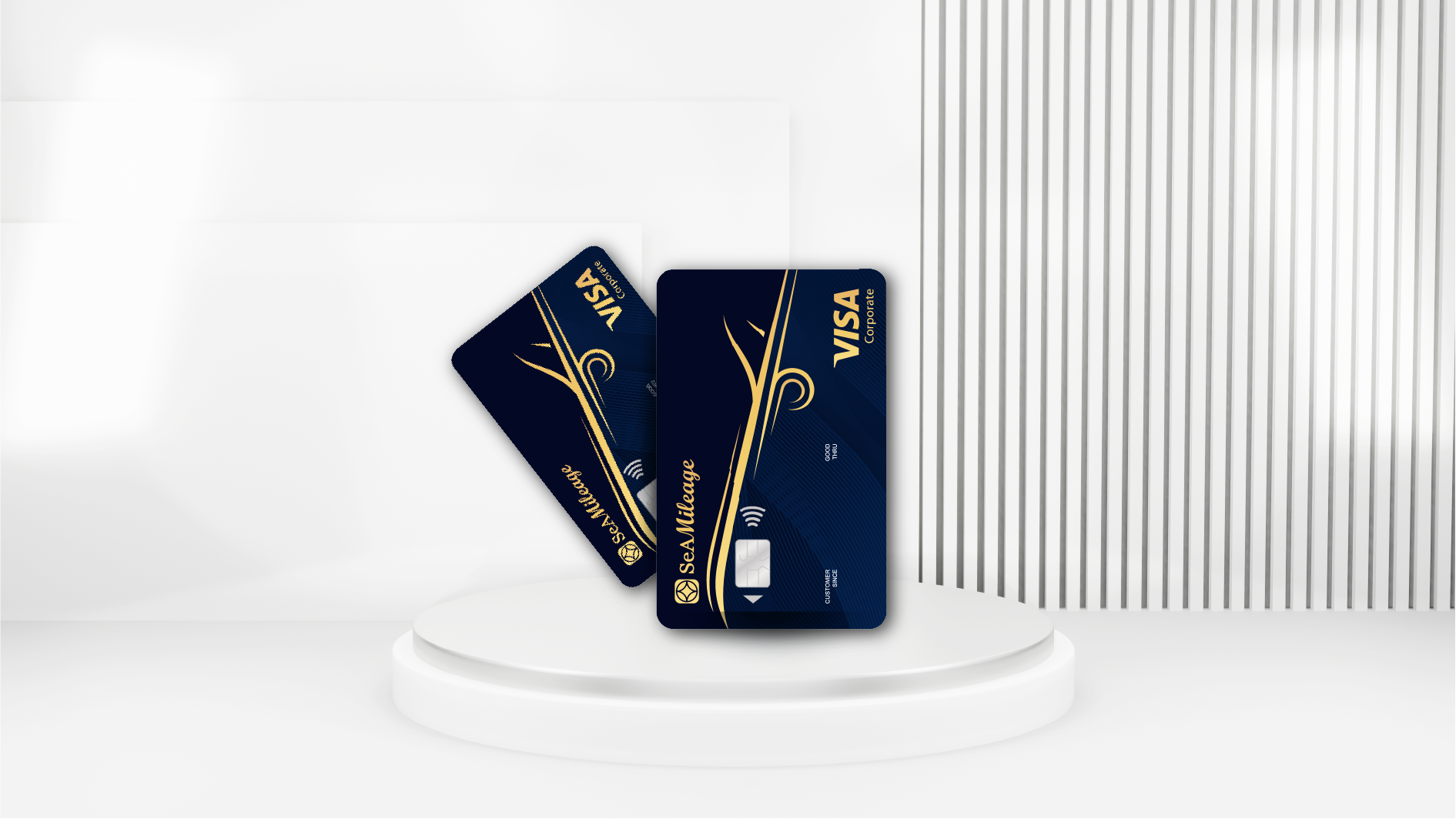
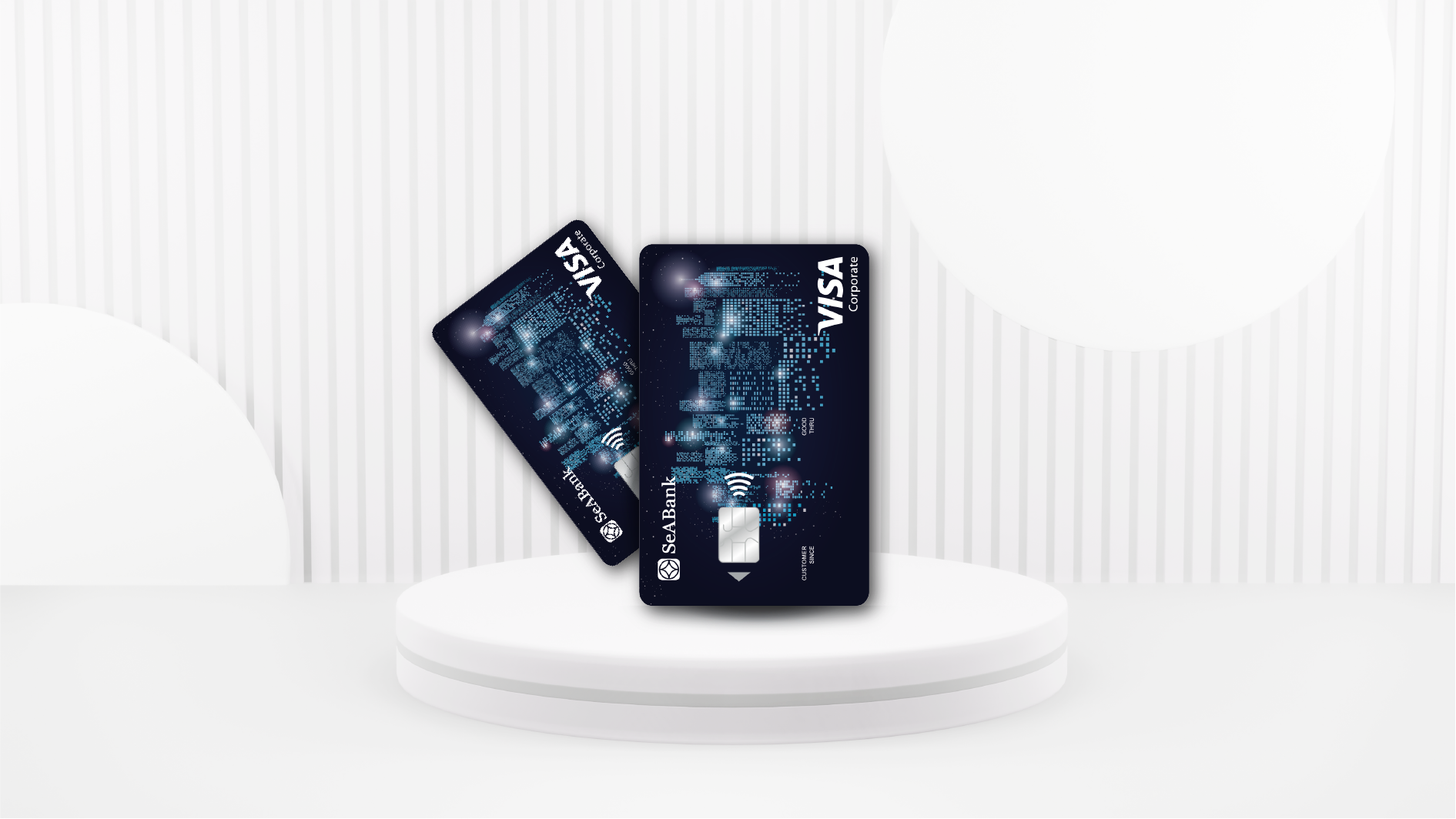
The four SeABank corporate cards are now available on Apple Pay to support corporate customers. Businesses can link them using the following methods:
1. Adding a card using the Apple Wallet app
- Step 1: Open the Apple Wallet app on your iPhone and select the "+" icon to begin adding a card.
- Step 2: Select "Manually enter card details" to enter the information.
- Step 3: Enter the user's name and card number > Press "Continue".
- Step 4: Set the SeABank card as the default card, and the card is ready to make transactions with Apple Pay.
2. Adding a card using the SeAMobile app (Applicable to SeABank business card users who also use SeAMobile)
- Step 1: Open the SeAMobile app > Select the Apple Pay feature on the home screen.
- Step 2: Select the SeABank business card and choose "Add to Apple Wallet".
- Step 3: Follow the instructions to link and verify the card (if applicable) and begin making transactions.
Related Products



Related Questions