News
Transfer Successful but Money Not Received: Causes and How to Resolve It
 30/10/2026
Why does a transfer show as successful but the recipient has not received the money? Learn the common causes and the steps for quick, secure transaction investigation and timely recovery of funds.
When using digital banking, many people encounter a situation where a transfer is marked as successful but the money is not received: the app shows that the transaction has been completed and the sender's account has been debited, but the recipient still does not see any change in their balance. This situation often causes concern, especially when a large amount is involved. The article below helps you identify the possible causes and the handling process to recover the funds.
1. Reasons Why a Transfer Is Successful but the Recipient's Account Has Not Received the Money
There are various technical and user-related causes that may result in delayed or suspended transactions, including:
1.1. Delayed Interbank Transfer
If you do not select the 24/7 instant transfer method, the transfer order is usually processed through the clearing system of the State Bank of Vietnam. As a result, it may take from several hours to the next business day for the funds to be credited to the recipient's account, especially if the transaction is made on a weekend or public holiday.
1.2. Bank System Error or Maintenance
When the sending bank, receiving bank, or intermediary payment gateway experiences network congestion or scheduled maintenance, the transaction may not be completed immediately. In this case, the funds may be temporarily held in a pending reconciliation status between the relevant parties.
1.3. Incorrect Recipient Information
Entering even one incorrect digit in the account number, selecting the wrong receiving bank, or having an account holder name that does not match the system data may cause the transfer order to be rejected or held in the intermediary processing system for verification.
1.4. Transaction Interrupted During Processing
A weak mobile signal or unstable Wi-Fi connection at the time of OTP/Face authentication may cause a synchronization error. The sending bank's system may have recorded the debit, while the data transfer to the beneficiary bank has not yet been successfully transmitted.
1.5. Fake Transfer Receipt
In some cases, the recipient does not see the funds because the other party has used image-editing tools to create a fake transfer receipt. In reality, the transaction order was never initiated on the banking app.
2. Steps to Take When a Transfer Is Successful but the Money Is Not Received
To handle a situation where a transfer is marked as successful but the money has not been received, you can follow these steps in order:
Step 1: Check the Transaction History and Receipt Again
Save the transaction ID (FT/Ref number), recipient account number, receiving bank name, and transaction time. Check whether the recipient information shown on the receipt is correct.
Step 2: Identify the Transfer Method Used
- If you selected Napas 24/7 Instant Transfer: The funds usually reach the recipient's account almost immediately. If the money has not been received after more than 30 minutes, the transaction is likely experiencing an issue and may require investigation support.
- If you selected a standard transfer: Processing may take from several hours to approximately 24 business hours, excluding Saturdays, Sundays, and public holidays.
Step 3: Contact the Bank's Customer Service Hotline
The sender should contact the customer service hotline of the bank that initiated the transfer (the bank that debited the funds) to:
- Provide personal information, account number, transaction ID, and transaction time.
- Ask the customer service representative to check the transfer status and assist with transaction investigation if the funds are being held in an interbank pending status.
Step 4: Visit a Transaction Office Directly If Necessary
If the funds have still not reached the recipient and have not been returned to the original account after 1 - 2 business days, the sender can bring their Citizen ID and an image of the transaction receipt to the nearest bank branch to submit a direct transaction investigation request.

3. If a Transfer Is Successful but the Money Is Not Received, Can the Money Be Lost?
In most cases, the transferred amount will not be lost:
- System error: After the two banks reconcile the data (usually within approximately 1 - 3 business days), the funds are generally either forwarded to the recipient's account or refunded to the sender's account.
- Transfer to the wrong account number: Bring your Citizen ID and a screenshot/receipt to the nearest bank branch to request transaction investigation assistance and contact the unintended recipient.
4. Important Notes to Help Reduce Problems When Transferring Money Online
- Prioritize Napas 24/7 Instant Transfer: This helps the funds reach the recipient's account almost immediately, including on weekends and public holidays.
- Carefully check the beneficiary's name: After entering the account number, carefully verify the account holder's name displayed on the screen before entering the OTP/Smart OTP.
- Avoid transactions during maintenance hours: Many banks perform data consolidation or system maintenance late at night, so you should avoid making transfers between 11:00 p.m. and 2:00 a.m.
- Ensure a stable network connection: Use a sufficiently strong Wi-Fi or 4G/5G connection throughout the transaction authentication process.
5. Frequently Asked Questions (FAQ)
1. If a transfer is successful but the money is not received, how long will it take to resolve? For transactions made through Napas 24/7 Instant Transfer, issues are usually handled within a few hours after they are reported. For standard transfers, the reconciliation process between the two banks may take approximately 1 - 3 business days.
2. Is there a fee for requesting a transaction investigation? Most banks do not charge a fee for investigation requests involving transactions affected by technical errors. You should contact the bank directly for accurate information depending on the specific case.
3. What should you do if you transfer money to the wrong person's account? You should immediately contact the bank for assistance in verifying the information and completing the investigation and fund recovery procedures in accordance with current regulations.
4. How can you check the current status of a transaction? You can check it in the transaction history section of the banking app or call the customer service hotline to obtain information about the status of the transfer order.
In general, when a transfer is marked as successful but the money has not been received, the issue is mostly caused by interbank network congestion or standard transfers made on weekends or public holidays. In most cases, the money is not lost but is only temporarily held during the reconciliation process. You should keep the receipt and transaction ID and proactively contact the hotline or a transaction office for timely investigation support.
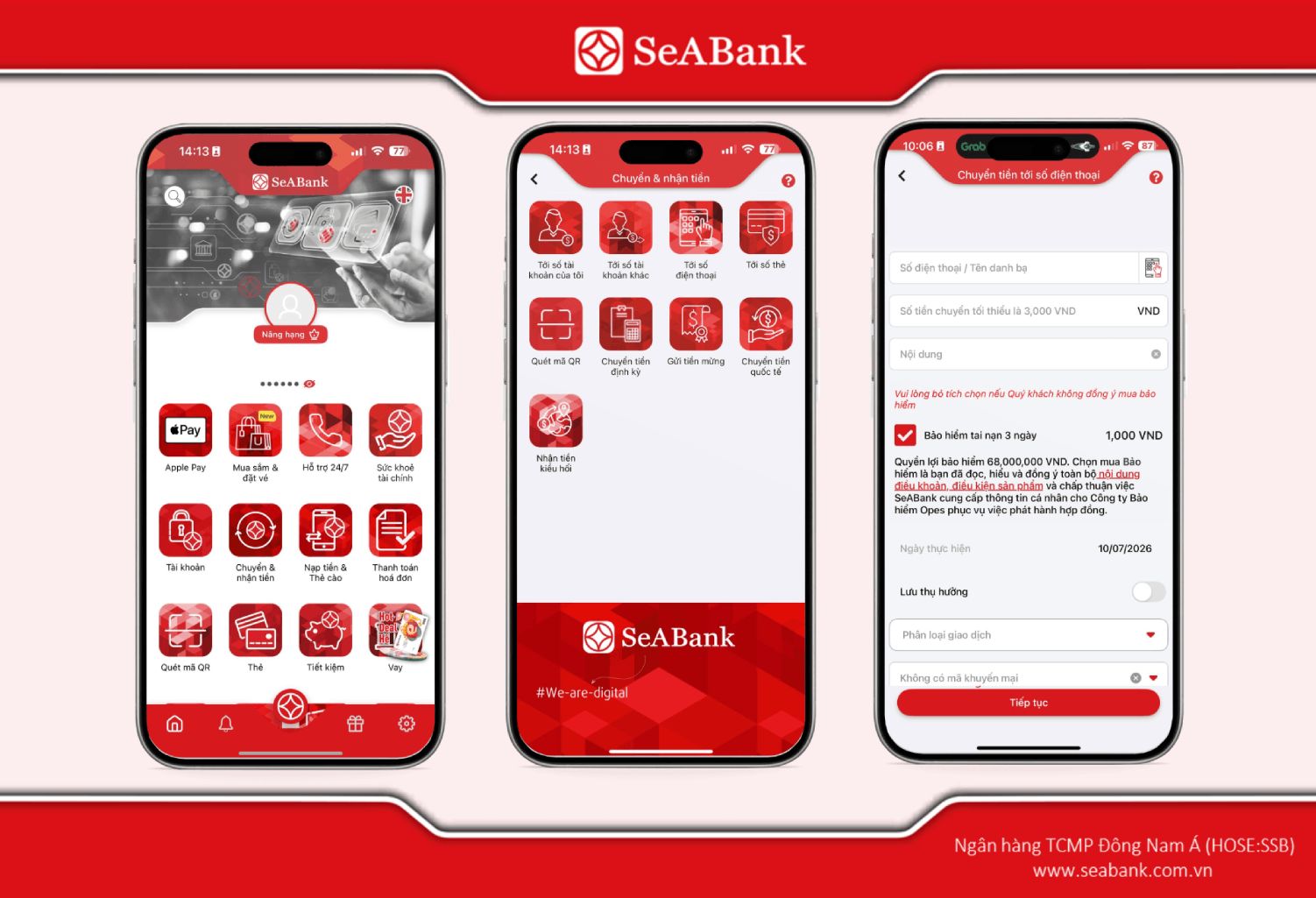
Transfer with confidence using SeABank: To minimize the risk of suspended transfer orders, you can use the Napas 24/7 Instant Transfer service directly on SeABank's SeAMobile App, with simple steps, secure authentication, and transaction investigation support when needed.
Related News
What Is a Savings Account? Types and a Quick Guide to Opening One 13/11/2026
What Is Online Savings? How to Save and 6 Important Notes 13/11/2026
How to Make an Online Savings Deposit Easily and Earn Attractive Returns 05/11/2026
What Is Flexible Savings? Comparison with Traditional Savings 05/11/2026
Online Land Tax Payment: 2 Quick and Compliant Methods 05/11/2026

What Is a Savings Account? Types and a Quick Guide to Opening One
What is a savings account and how is it different from a payment account? Learn about common types of savings deposits, their benefits, and how to open an account online or at a branch.
13/11/2026
Read more


What Is Online Savings? How to Save and 6 Important Notes
What is online savings? Learn about its advantages, how to open a savings account on a banking app, and important notes on interest rates, security, and deposit insurance for online savings in this article.
13/11/2026
Read more

How to Make an Online Savings Deposit Easily and Earn Attractive Returns
Learn how to make an online savings deposit on SeAMobile in 4 steps, including requirements, interest rates, early withdrawal, and deposit insurance.
05/11/2026
Read more