News
What Is a Dynamic QR Code? Comparison with Static QR Codes and How to Create One
 09/10/2026
What is a dynamic QR code? Learn about its concept, benefits, differences from static QR codes, how it works, and how to create a dynamic QR code for businesses.
As order volumes increase, manually reconciling each bank transfer can be time-consuming for businesses and may lead to errors. A dynamic QR code is a solution that provides each order with a unique payment code containing a preset amount and transaction description. This article explains the concept, compares dynamic and static QR codes, describes how they work, and provides guidance on creating dynamic QR codes for your reference when implementing this payment method.
1. What Is a Dynamic QR Code in Modern Payment Transactions?
1. What Is a Dynamic QR Code (Dynamic QR)?
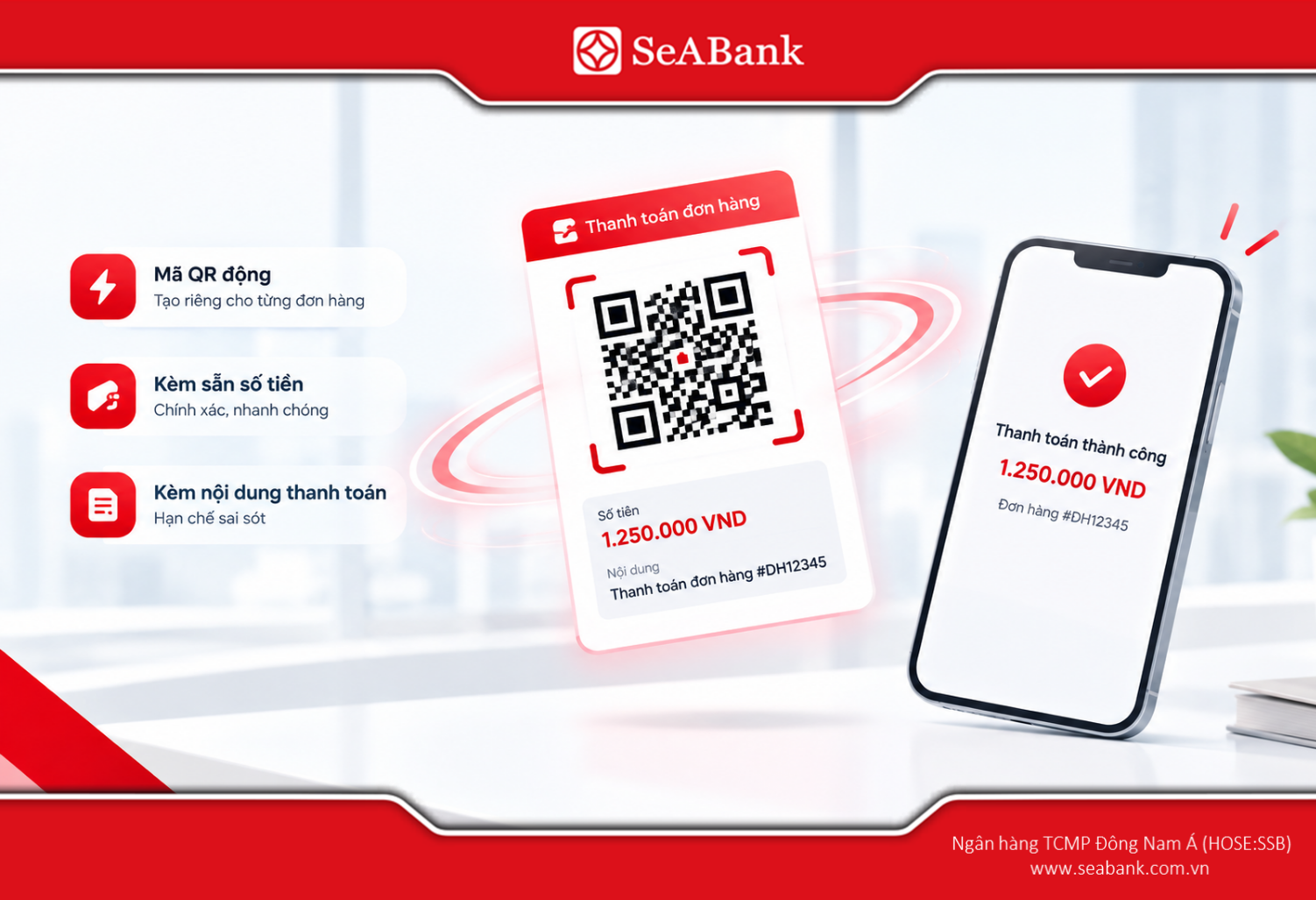
A dynamic QR code (Dynamic QR) is a payment QR code created specifically for each transaction or order. The code usually contains the beneficiary account information, amount, and payment description. When the code is scanned, the customer's banking app automatically fills in this information, and the customer only needs to review and confirm the transaction.
Practical example:
- Create an order: You order a cup of coffee priced at VND 45,000 at a coffee shop. The cashier enters this amount into the POS terminal or the shop's sales software.
- Generate a dynamic QR code: The system automatically generates a dynamic QR code displayed on the screen (or printed on the receipt). This QR code already contains the following information:
- Beneficiary account: The shop's account number.
- Amount: VND 45,500 (the amount is fixed and cannot be changed by the customer).
- Transfer description: A unique order code (for example: HD12345).
- Scan and Confirm: The customer opens the banking app on their phone and scans the QR code. The app will automatically and accurately fill in the amount of VND 45,500 and the transfer description on the payment screen. The customer only needs to tap Confirm and enter their PIN/Face ID to complete the transaction within a few seconds.
1.2. Benefits of Dynamic QR Codes for Businesses
- Reduce incorrect information entry: The amount and payment description are pre-filled, minimizing the need for customers to enter information manually.
- Support more convenient reconciliation: Each code is linked to a specific order, making it easier for businesses to match received payments with the corresponding orders.
- Reduce confusion between orders: A separate code is generated for each transaction, reducing the risk of a payment being mistakenly matched to another order.
- Fast and convenient payments: Customers only need to scan the code, check the information, and confirm the transaction.
- Flexible across multiple sales channels: Dynamic QR codes can be used at checkout counters, on POS screens, electronic invoices, or website payment pages.
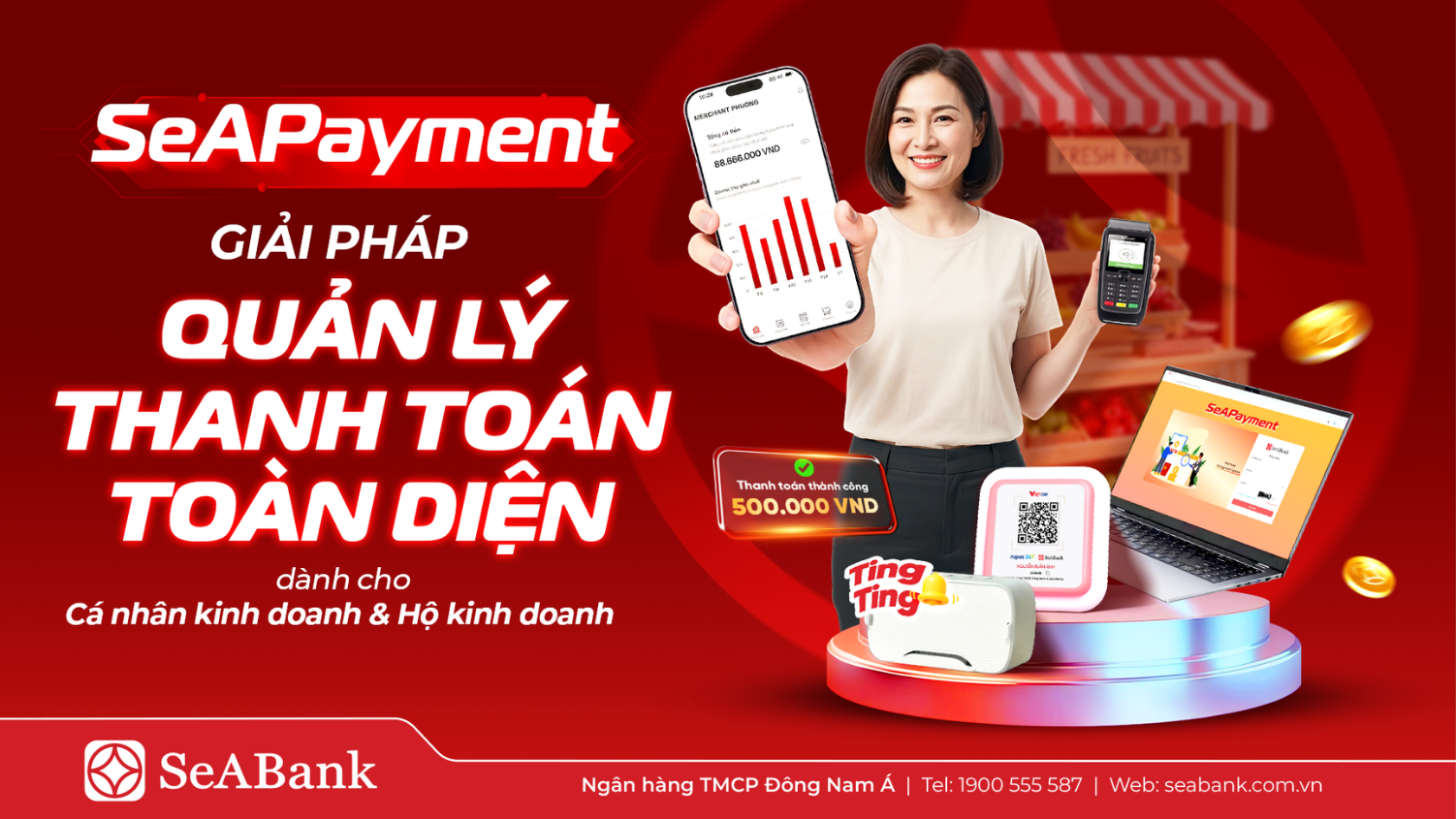
Optimize your payment collection process and improve business management efficiency today! Explore SeABank's SeAPayment Payment Management System to automate the QR code generation process, making order reconciliation more accurate and faster than ever.
2. Differences Between Dynamic QR Codes and Static QR Codes
The key difference lies in whether the information contained in the code changes for each transaction. A static QR code contains fixed information and can be used multiple times. A dynamic QR code changes the amount and payment description for each order.
The two types of QR codes do not completely replace each other. If the number of daily transactions is low, a static QR code may still meet your needs. When order volumes increase and clear reconciliation is required for each order, businesses may consider switching to dynamic QR codes.
3. How to Create a Dynamic QR Code Simply and Quickly
3.1. Requirements to Prepare
- A payment account for the household business/business at a bank.
- Electronic banking services for transaction management.
- Registration for the bank's QR code payment acceptance service.
3.2. Steps to Create and Use a Dynamic QR Code
- Prepare and connect the system: Make sure the business has a payment account, has activated electronic banking services, and has completed registration for the bank's QR payment acceptance service.
- Create a dynamic QR code:
- Case 1: Technical integration (if using an automated process): A technician or sales software/website provider connects the bank's API to the business's system to automatically generate a code for each order.
- Case 2: Enter order information at the counter/on the website: When a customer makes a purchase, the employee (or system) creates the order and accurately enters the amount and identifier/payment description (order code) for that transaction.
- Display the dynamic QR code: The system automatically generates a dynamic QR code containing the preset amount and payment description, then displays it on the POS screen, secondary display, or website payment page for the customer to scan.
Want to integrate modern QR payments into your sales system? Learn more about SeABank's business support solutions with the SeAPayment Payment Management System or contact the hotline at 1900 555 587 (Individual Customers)/1900 599 952 (Corporate Customers) for direct consultation.
4. Frequently Asked Questions About Dynamic QR Codes
1. How is a dynamic QR code different from a static QR code?
A dynamic QR code changes its information and amount for each order. A static QR code contains fixed information and can be used multiple times.
2. Can a dynamic QR code be used multiple times?
No. A dynamic QR code applies to a code that only allows one transaction. The validity period of the code also depends on the solution provided by the service provider.
3. Do small businesses need to use dynamic QR codes?
It depends on the scale and needs of the business. If transaction volumes are low, a static QR code may be sufficient. When order volumes increase and reconciliation is required for each individual order, a dynamic QR code may be more suitable.
4. What is required to integrate dynamic QR codes into a sales website?
Businesses need a payment account, registration for a QR payment acceptance service, and a technical team or partner to support the integration. You should contact the bank for specific advice.
Dynamic QR codes allow businesses to assign a specific amount and payment description to each order, making reconciliation more convenient compared with static QR codes. When integrated into a sales system or e-commerce website, customers only need to scan the code and confirm the payment. If you are considering implementation, you can contact SeABank for advice on a suitable QR payment acceptance solution.
Related News
How to Make an Online Savings Deposit Easily and Earn Attractive Returns 05/11/2026
What Is Flexible Savings? Comparison with Traditional Savings 05/11/2026
Online Land Tax Payment: 2 Quick and Compliant Methods 05/11/2026
Borrowing Money with Group 5 Bad Debt: Eligibility and Solutions 05/11/2026
How Much Is 1 Tael Of Gold? Update Today's Gold Price And Notes 05/11/2026
How to Make an Online Savings Deposit Easily and Earn Attractive Returns
Learn how to make an online savings deposit on SeAMobile in 4 steps, including requirements, interest rates, early withdrawal, and deposit insurance.
05/11/2026
Read more


What Is Flexible Savings? Comparison with Traditional Savings
What is flexible savings? Learn about the concept, key features, differences from traditional savings, and minimum balance requirements when making a partial early withdrawal.
05/11/2026
Read more

Online Land Tax Payment: 2 Quick and Compliant Methods
Guide to paying land tax online via the National Public Service Portal and eTax Mobile, including the steps, payment deadlines, late payment charges, and important notes you should know.
05/11/2026
Read more