News
3 Ways to change your bank phone number quickly, securely and safely
 19/11/2025
Changing bank phone numbers is an important step to ensure your account is always secure and receives timely transaction notifications. This operation helps you feel secure using services such as SMS Banking, Mobile Banking or Internet Banking without worrying about interruptions.
1. Go directly to the bank counter
This is the most traditional and secure method, done directly at the transaction counter. Your identity will be verified by a bank employee on the spot and your new phone number will be updated immediately. This method is suitable for those who want to ensure absolute accuracy and safety.
Steps to follow:
- Step 1: Go to the nearest branch/transaction office.
- Step 2: Present ID card and bank card.
- Step 3: Fill in the new phone number information in the form provided by the bank.
- Step 4: Bank staff verify and update phone number.

Customers need to bring identification to the transaction counter to get support to change phone numbers.
2. Use Internet Banking/Mobile Banking
This method is convenient, you can change your phone number anytime, anywhere without going to the counter. However, you need to log in to your Internet Banking or Mobile Banking account and follow the instructions, ensuring the security of personal information.
Steps to follow:
- Step 1: Log in to Internet Banking or Mobile Banking.
- Step 2: Go to “Update personal information” or “Change phone number”.
- Step 3: Enter new phone number and verify with OTP sent to old number or email.
- Step 4: Confirm to complete the update.

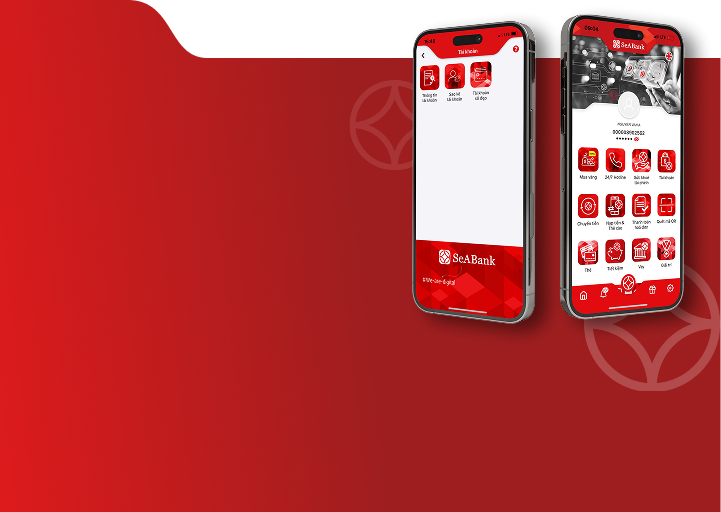
Some banks allow changing information right on SeAMobile
3. Use SMS Banking
This is a convenient method for those who have registered for SMS Banking. You can change your phone number quickly via SMS according to the prescribed syntax, but you need to ensure that your old phone number is still active to receive verification messages.
Steps to follow:
- Step 1: Compose a message according to the syntax provided by the bank.
- Step 2: Send to SMS Banking switchboard number.
- Step 3: Receive a response message and confirm the phone number change.
- Step 4: Complete the update process.
4. Note when changing bank account phone number
When changing your bank account phone number, you need to be very careful to ensure successful update and account security:
- Re-register for related services: Please update your new phone number for all services such as SMS Banking, Mobile Banking, Internet Banking… to make sure you don't miss any transaction channels.
- Confirm information: Try logging in with both the old and new phone numbers to ensure the phone number change is done correctly and to minimize errors.
- Login information security: Do not share OTP codes, passwords or any personal information. Many banks use registered phone numbers as login users, so special attention should be paid to security.
- Only through official channels: Change your phone number only through a branch, Internet/Mobile Banking or the bank's official switchboard to avoid the risk of fraud.

You need to pay attention to the security of your phone number, password and other factors related to your account.
5. Frequently Asked Questions
1. Can I change my online banking phone number?
Currently, most banks allow customers to change their phone number via Internet Banking orMobile Banking, depending on the regulations of each bank.
2. After changing my phone number, how long does it take to receive OTP?
Normally, customers can receive the OTP code immediately after completing the change. However, in some cases, the system may need a few more minutes to update the information.
3. Is there a fee to change the bank phone number?
Most banks currently do not charge a fee when customers change their phone number.
4. I forgot my Internet Banking password, can I change my phone number?
In case the customer forgets the Internet Banking password, please recover or log in again successfully before changing the phone number online. If you cannot do it, please go to the nearest transaction counter for support.
5. Can I change my bank phone number to someone else?
No. Only the account owner is allowed to change the account phone number to ensure security and customer benefits.
Changing bank phone numbers is an essential step to ensure the safety and continuity of personal financial transactions. Following the correct procedures and adhering to official guidelines will help you protect your account, ensure your rights and improve the efficiency of financial management.
At SeABank, we support customers to change their account phone number with quick procedures and dedicated support. We invite customers toContact SeABank immediately via hotline or nearest transaction points for specific advice!
If you want to learn more about SeABank products, you can contact the nearest transaction point or call Hotline 1900 555 587 or visit the website www.seabank.com.vn for more details.