Detailed instructions on 6+ simple and accurate ways to look up credit card limits

icon calendar17/10/2025

Instructions on how to look up credit card limits quickly and accurately to help you manage your spending effectively.

Checking the credit card limit is a necessary financial habit, helping you clearly understand your spending capacity, proactively plan card use, and avoid the risk of exceeding the limit. This article will explain the concept of a credit card limit, indicate when it is advisable to check it, and provide instructions on the most popular, fast, and accurate lookup methods currently available.

Readers note: The data and information in the article are compiled from general market sources and do not apply specifically to SeABank's products or services.

Quick summary of 6+ ways to check credit card limit:

MethodDescription
At the bank transaction counterBring your ID/CCCD and card; staff provide direct and accurate support, but only during business hours.
Via Mobile Banking (SeAMobile)Log in to the application → Card Management → Limit Information; fast operation, checking available 24/7.
Via Bank Hotline (1900 555 587)Provide card information and identity verification; suitable when there is no internet connection.
Via Internet BankingLog in to the website → Account Information → Card limit; free of charge and easy to operate.
Via SMS BankingCompose a message according to the bank’s syntax; receive a response via SMS, but requires prior service registration.
At the ATMInsert the card into the ATM → enter PIN → look up limit; convenient when near an ATM.
Via Live Chat / Bank EmailComprehensive support from staff; suitable for customers who want additional consultation.

What is a credit card limit?

A credit card limit is defined as the maximum amount of money that the bank grants the cardholder to spend or withdraw within a certain period, typically according to the monthly billing cycle.

Understanding your limits is important to:

  • Proactive spending: avoid buying beyond your financial means.
  • Personal Cash Flow Management: balance payments on time, maintain credit reputation.
  • Build a good credit profile: is the basis for banks to increase the limit or approve larger loans later.

Common SeABank credit and debit card limits:

  • International credit card (Credit Card)
    • Standard Class: 5,000,000 VND
    • Gold / Titanium Class: 10,000,000 VND
    • Platinum Class: 20,000,000 VND
    • Signature Class: 20,000,000 VND
  • Debit Card
    • Magnetic cards & chip cards: 10,000,000 VND
  • International Debit Card
    • Standard Class: 5,000,000 VND
    • Gold Class: 10,000,000 VND
    • Platinum Class: 20,000,000 VND

1. When do customers need to check their credit card limit?

Proactively checking your credit card limit not only helps you understand your spending ability, but is also an important step to effectively manage your personal finances. Some necessary times to do this include:
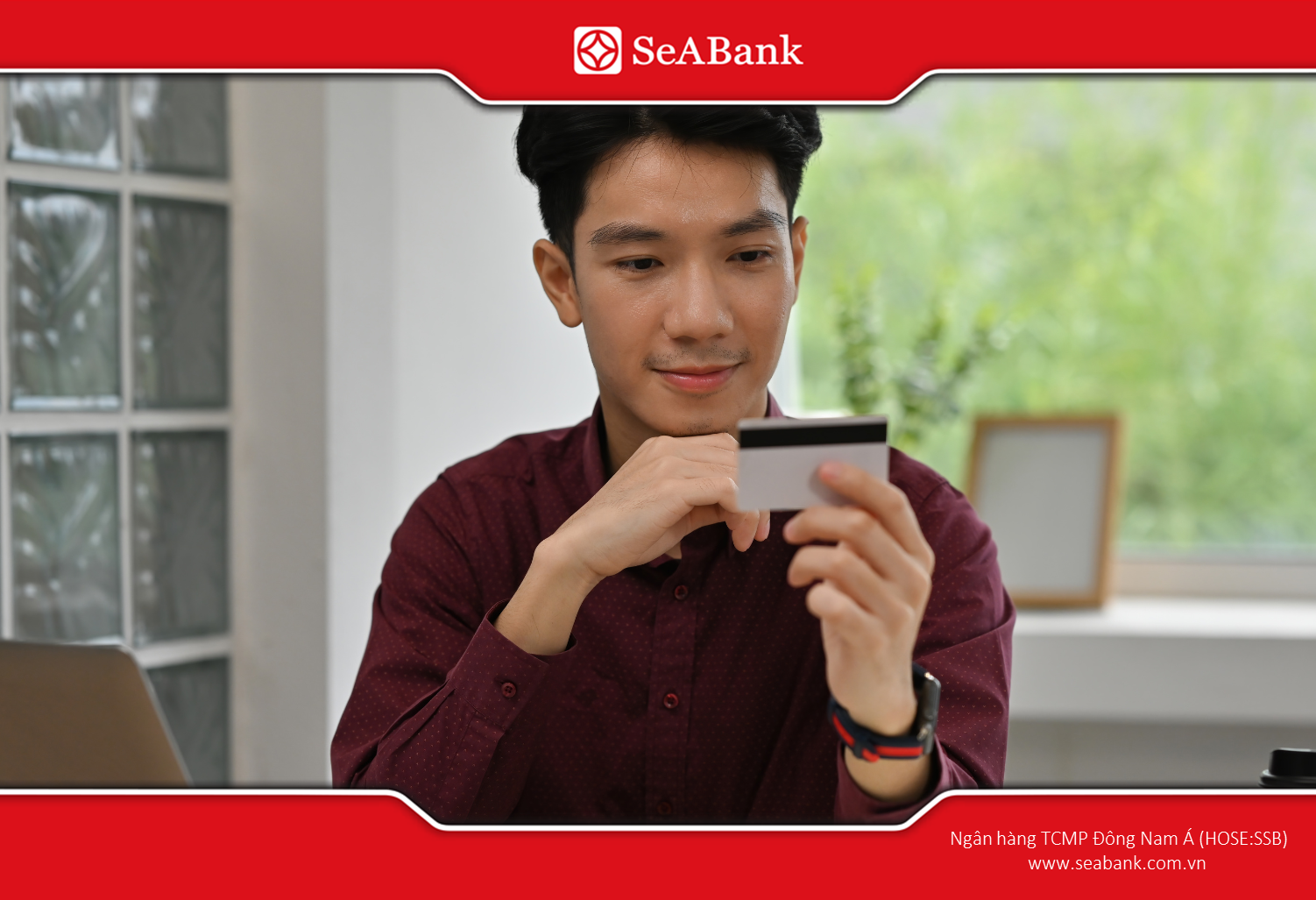
  • Check periodically every statement period: Limits may vary depending on your bank's policies or credit history. Regular monitoring helps ensure all transactions are within your control.
  • When preparing to make a large transaction: Paying for airline tickets, purchasing valuable assets or paying for premium services all require prior checking to avoid the risk of exceeding the limit.
  • When there is a change in income: If your income increases, you can ask the bank to increase your credit limit. Conversely, if your income decreases, you should consider adjusting your spending plan accordingly.
  • When planning finances, travel, and investments: Checking your credit limit helps you proactively allocate spending reasonably and avoid credit abuse.
Proactively check your limit – the secret to keeping your finances safe and spending wisely
  • When the bank announces a change in policy or interest rate: Some changes may affect your card limits or terms.
  • When suspecting unusual transactions: Checking your credit limit and statement helps to detect any unauthorised expenses early.
  • When you want to avoid over-limit fees: Many banks impose penalties when customers spend over their credit limit, so regular monitoring is necessary.

In short, checking your credit card limit is not just a simple check, but also a safe financial habit that helps you maintain your credit reputation and control your spending effectively.

2. 6+How to check credit card limit quickly and effectively

Understanding the credit card limit is an important factor to proactively spend, avoid the risk of exceeding the limit and maintain financial reputation. Currently, SeABank customers as well as many other banks can choose from many flexible ways to look up:

2.1. Look up at the bank counter

This is a traditional way of trading, suitable when you need official confirmation, printing of statements or in-depth advice from a trader.

Detailed instructions:
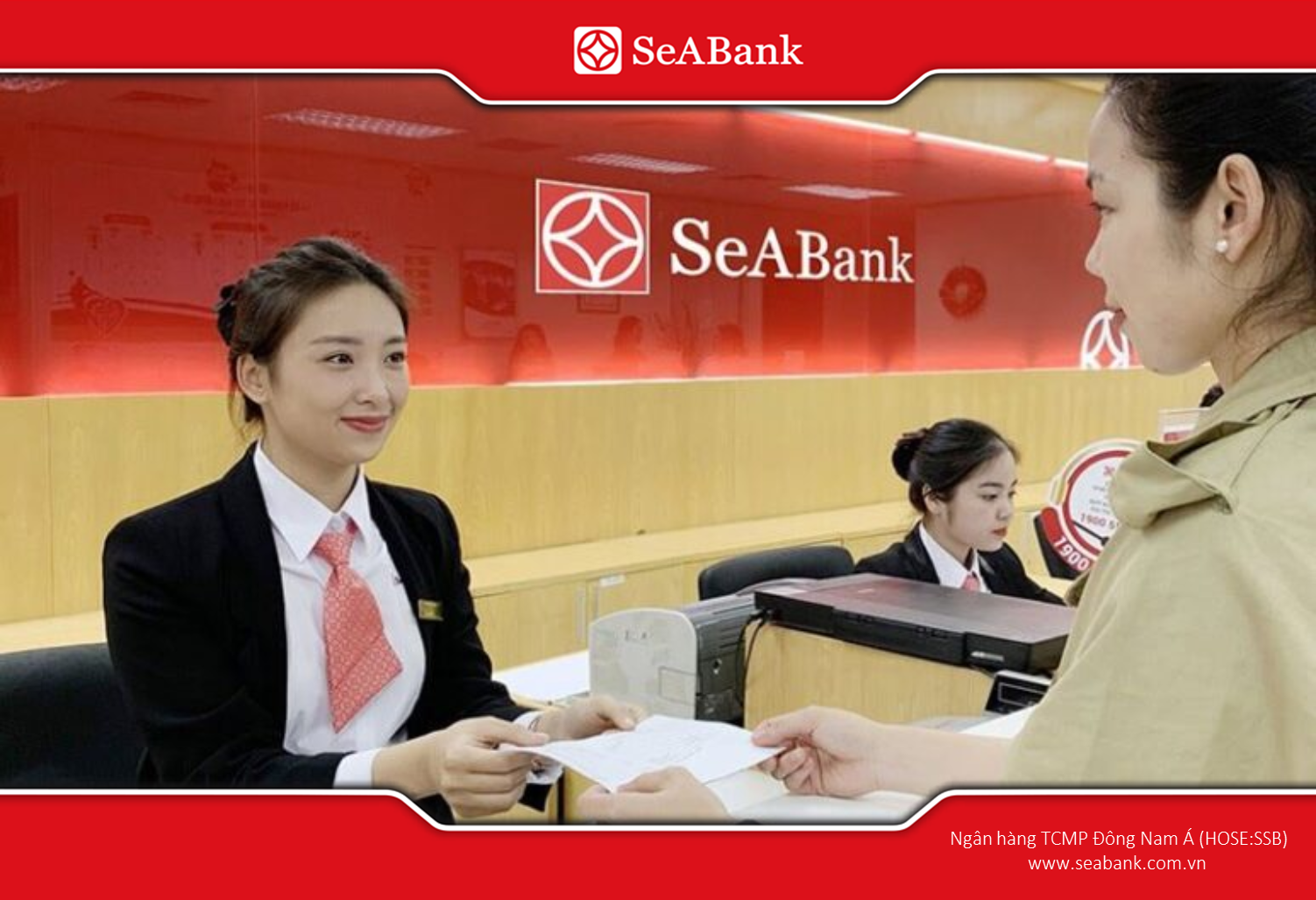
  • Prepare: bring ID card/CCCD/passport and credit card (if any).
  • Go to the nearest SeABank branch/transaction office during business hours.
  • Tell the receptionist or teller: “I want to check my credit card limit.”
  • Provide required documents for the bank to verify identity.
  • The staff will query the system and read/print/email the statement/limit to you.
Check your limit directly at the counter to ensure accuracy, peace of mind and in-depth advice.

Advantage: Official results, with supporting documentation, direct consultation (e.g. explanation of available limits, holding transactions).
Disadvantages: Available during business hours only; may require a wait.
Security & Handling Tips: Request to print a statement if needed for documentation; keep the receipt; if the information is unusual, request verification & make a working record.

2.2. Inquiry via Mobile Banking

Mobile Check is the fastest way, you can check 24/7 on your phone, suitable for regularly monitoring limits, outstanding balances and pending transactions.

Detailed instructions:

  • Open the SeAMobile app and log in using PIN/biometrics.
  • Go to Card Management (or “Cards” / “Card Info”).
  • Select the credit card you want to check. View Total Limit, Available Limit, Current Balance, and pending transactions.
  • If you need a statement, select the download/send electronic statement feature (if available).

Advantage: Fast, convenient anytime; has transaction history and often allows requesting a limit increase.
Disadvantages: Phone & connection dependent; app maintainable; if phone exposed, security risk.
Security & Handling Tips: Activate Smart OTP / OTP and biometrics; do not log in on public devices; if you see anything unusual, take a screenshot (hide sensitive information) and call the hotline for verification.

2.3. Look up via bank hotline

Convenient when you don't have an internet connection, can't access the app or need a quick answer, the operator provides information verbally.

Detailed instructions:

  • Call SeABank hotline number 1900 555 587.
  • Prepare verification information: Card number (last 4 digits), account number, ID card/CCCD, date of birth; have OTP code available if required by the operator.
  • Select the card service key or ask the operator to connect to the card department.
  • Request total and available limits; note the teller name and time of call.

Advantage: No internet required, useful when you are on the go or in an emergency.
Disadvantages: No printed voucher; may require wait; call charges may apply.
Security & Handling Tips: Do not provide OTP if it is not the process you initiated; record the call information for evidence if needed; if the information contradicts the statement, go to the counter to request written confirmation.

2.4. Lookup via Internet Banking

This is especially useful when you need a large screen to view details, print statements, or save PDFs for accounting.

Detailed instructions:
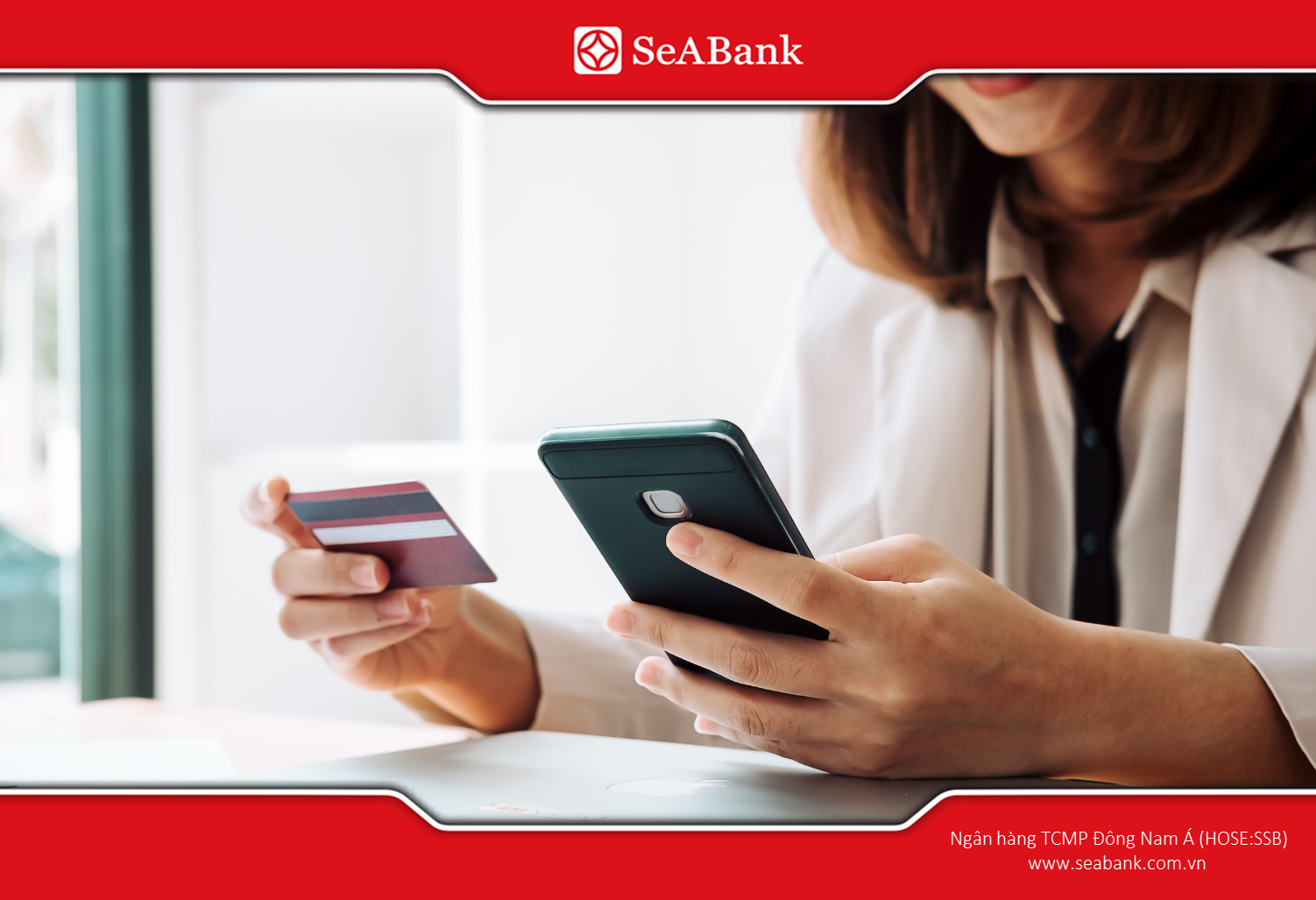
  • Visit the official SeABank website (make sure the URL is valid).
  • Log in to Internet Banking with your registered account.
  • Go to Cards or Account Information → select credit card.
  • View Limit, Available Limit, Outstanding Balance; download/backup statement if needed.
Check your limit easily via Internet Banking

Advantage: Easy to print/save PDF; convenient operation on computer.
Disadvantages: Network dependent; risk of spoofing if user does not check URL; occasional system maintenance.
Security & Handling Tips: Always check for the SSL lock icon; avoid accessing from public Wi-Fi without using a VPN; log out when done.

2.5. Query via SMS Banking

This is one of the traditional ways, returning results via text message, suitable when you don't have a smartphone or are in an area with weak signal.

Detailed instructions:

  • Make sure you have registered SMS Banking with your phone number with the bank.
  • Compose a message according to the syntax provided by the bank (check instructions on the SeABank website or at the counter).
  • Send a message from the registered phone number; wait for a reply message containing limit information or balance summary.

Advantage: No internet needed, fast for basic information.
Disadvantages: Brief information, no details; SMS service fee; pre-registration required.
Security & Handling Tips: Do not transmit codes or sensitive information via SMS; if you receive a fraudulent SMS requesting a password/OTP, notify the bank immediately.

2.6. Check at ATM

ATM inquiries are good if you want to do a quick check or print a mini-statement. Some ATMs allow you to query your card information.

Detailed instructions:
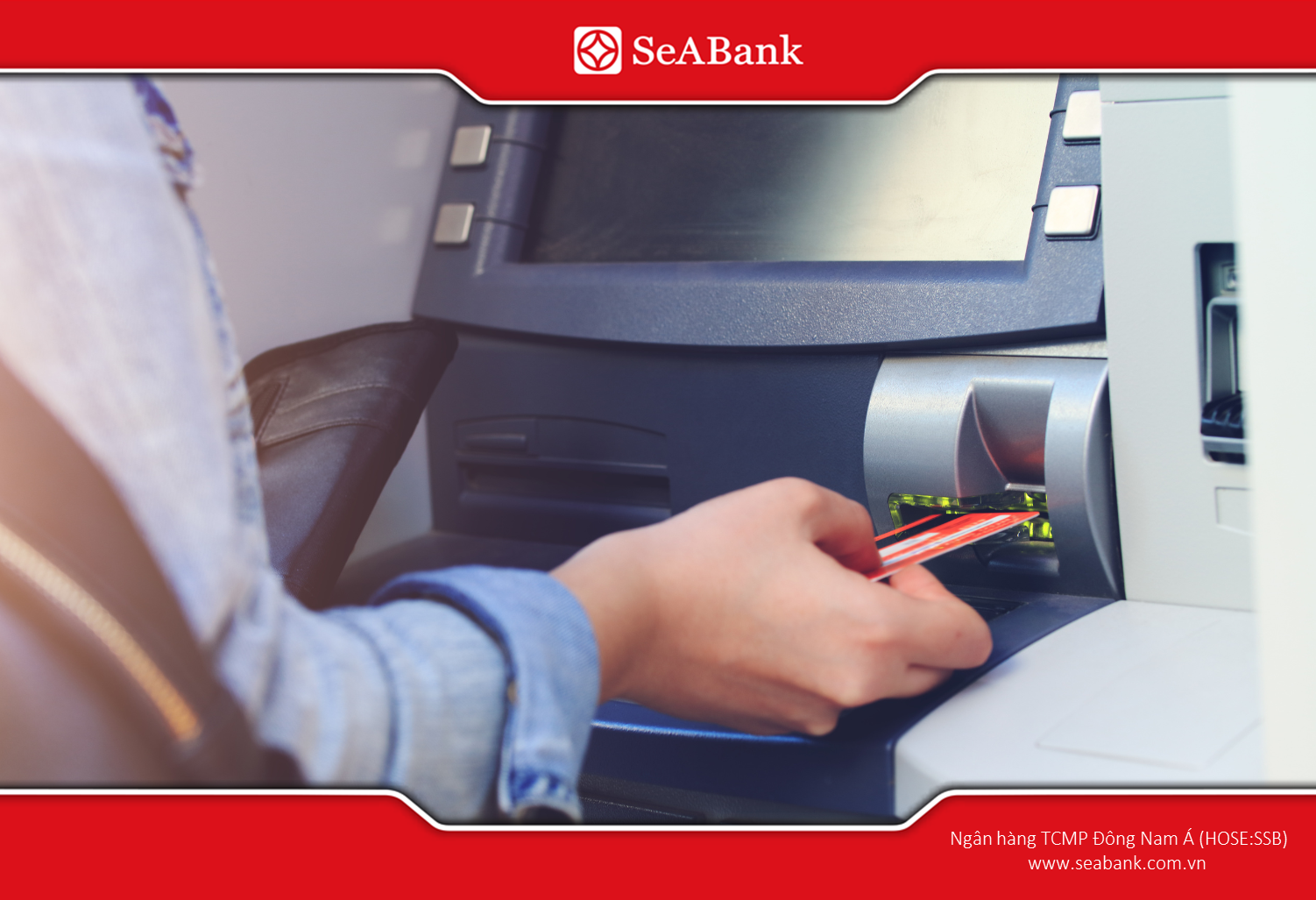
  • Insert card into ATM → enter PIN.
  • Select Account Inquiry or Print Statement (depending on ATM menu).
  • If an ATM supports it, select “Check Card” or “Card Info” to view available limit/credit; print receipt if needed.
Some ATMs allow you to query your card information.

Advantage: Available in many places, can print receipts immediately.
Disadvantages: Not all ATMs display credit card limits; physical card and PIN required; security risk (skimmer) if ATM is not secure.
Security & Handling Tips: Cover your hand when entering your PIN; prioritize ATMs in banking areas; check the card slot before use; if the machine does not support it, use the app or call the hotline.

2.7. Inquiry via Live Chat / Official Email of the bank

This is a useful text channel when you want to document a conversation, send an attachment (e.g. screenshot), or need proof of an email response.

Detailed instructions:

1. Access Live Chat on the official SeABank website or compose an email to the official customer service address.

2. Describe the request: "Request to check my credit card limit — card number xxxx, name..." (do not send the entire card number).

3. Provide verification information as instructed (ID/CCCD number, last 4 digits of the card, date of birth).

4. Receive a response and (if necessary) request confirmation via email/electronic receipt.

Advantage: Have easy-to-store written evidence; convenient when needing to send attachments.
Disadvantages: Response speed may be slower than hotline; need to check official address/live chat to avoid scam.
Security & Handling Tips: Do not provide OTP via chat/email; verify email address/live chat on the official website before sending information; save all exchanges as evidence in case of complaint.

Checking your credit card limit is a crucial step to control your finances, avoid penalties for exceeding the limit, and fully utilize the benefits of the card. You can choose various forms such as Mobile Banking, Internet Banking, SMS Banking, or directly at the counter/ATM to obtain information quickly and accurately.

For more useful financial knowledge and detailed instructions on products and services, please regularly follow the official SeABank website: www.seabank.com.vn

Southeast Asia Commercial Joint Stock Bank SeABank

  • Address: BRG Building, 198 Tran Quang Khai, Hoan Kiem Ward, Hanoi
  • Call Center: KHCN 1900 555 587 / (024) 39448702 – KHDN 1900 599 952/ 024-32045952
  • Customer Service Email: contact@seabank.com.vn
Chat bot